Define the route
Choose a product enquiry, project review or distribution discussion. Each needs a different level of detail.
10 BUILDING MATERIALS / B2B SAMPLE
Windows, bathroom sets and architectural hardware are often bought for the same project—but each comes with different dimensions, documents and delivery questions. Keep the details together from the first enquiry.

PRODUCT SYSTEMS / 01—03
The catalogue gives buyers a place to start. The request keeps each family, quantity and technical question attached to the project.
View all families ↗05 FAMILIES01Start with the opening schedule, project exposure and the documents required in the destination market.
Browse the group ↗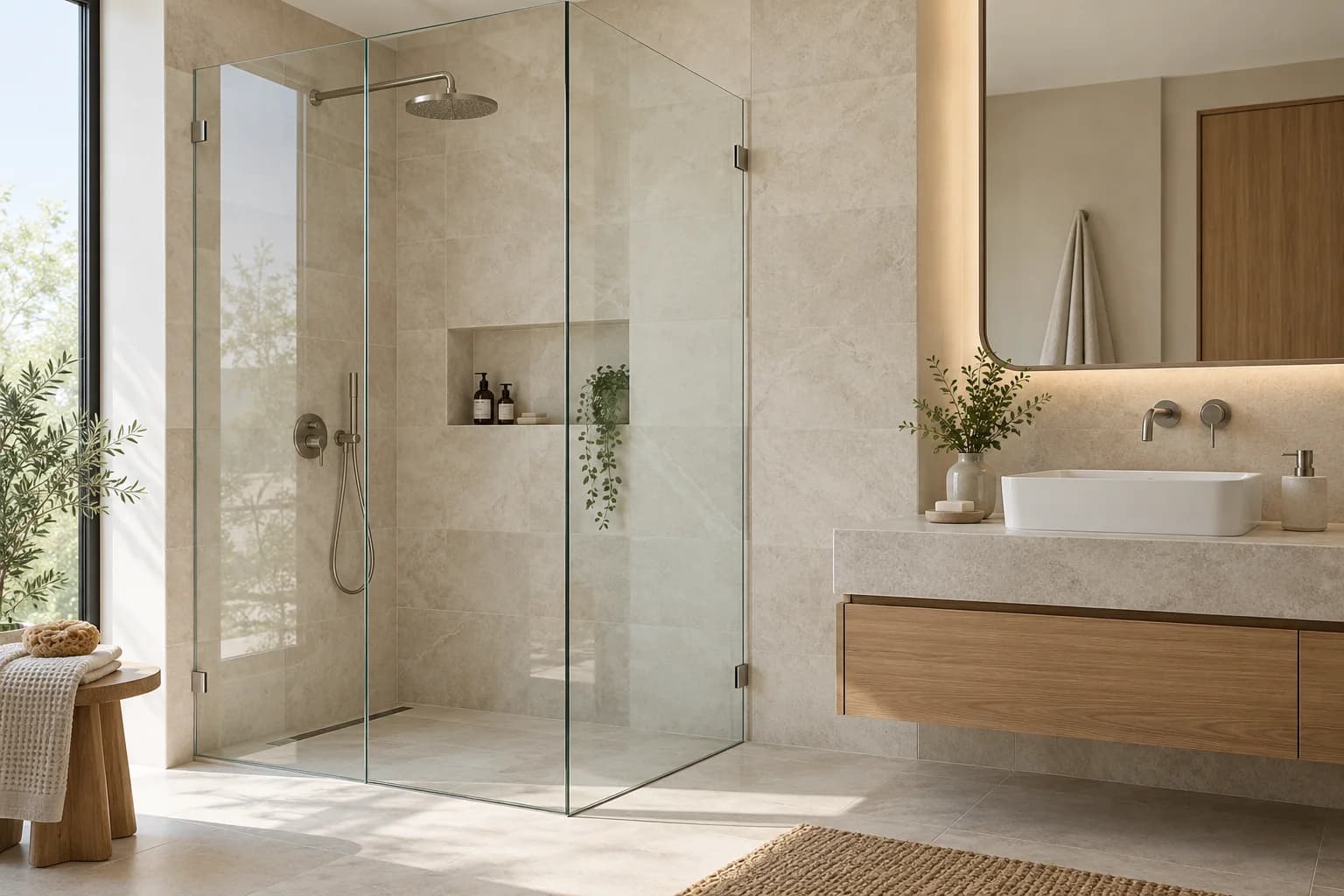 05 FAMILIES02
Coordinate the enclosure, glass, fittings and bathroom scope with the room layout and installation stage.
Browse the group ↗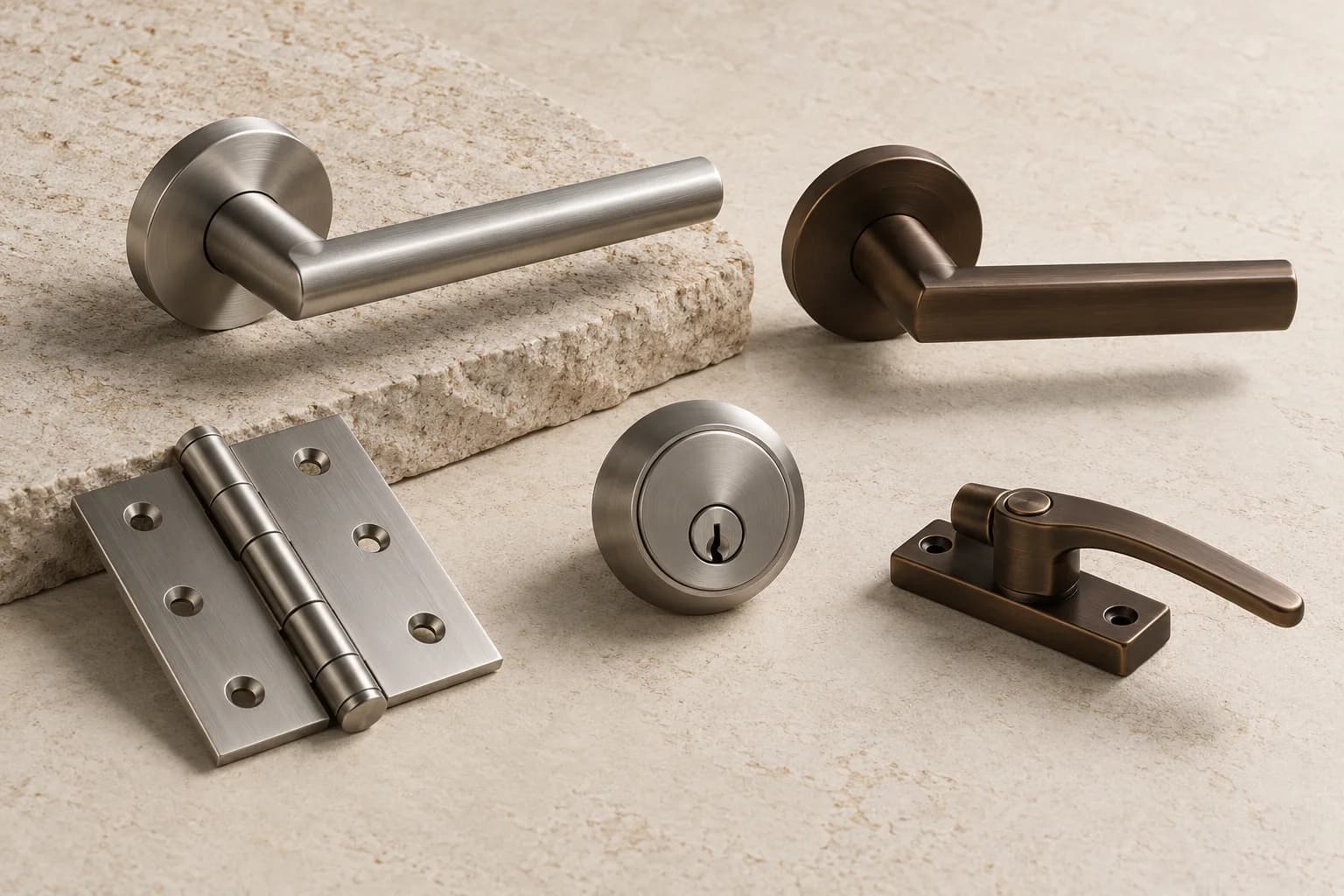 02 FAMILIES03
Specify hardware with the opening system it needs to work with.
Browse the group ↗START WHERE YOU ARE
Pick the route that matches your work. You can add product lines, drawings or market questions as you go.
You have a schedule, BOQ or drawing set and need the supply scope checked.
You are comparing product families, market documents and a repeat-order mix.
You need system references, finish direction and technical evidence for review.
Window and door schedules, repeated unit types, finish decisions and phased quantities.
What to prepare ↗Bathroom sets and shower enclosures coordinated with room types, specifications and procurement stages.
What to prepare ↗A drawing-led conversation around openings, façade interfaces and the documents required for the project.
What to prepare ↗QUALITY / DOCUMENT CONTROL
Record the exact product, intended use, document revision and market before presenting a standard or certificate as evidence.
How to review technical documents ↗HOW A PROJECT MOVES
Choose a product enquiry, project review or distribution discussion. Each needs a different level of detail.
Use the current drawing, schedule and specification revision. Keep missing measurements and approvals visible.
Set out product, accessories, packing, technical support and any installation role before comparing offers.
Confirm quantities, assumptions, exclusions, delivery basis and validity before treating an offer as final.
PRICE & DELIVERY
A product price is only one part of the order. Confirm options, packing, delivery basis and what each party is responsible for.
Yes. Each addition stays as its own line, so the same family can carry a different room, opening, quantity or finish note. The team can keep that breakdown when reviewing the project.
No. This is a demonstration catalogue, not a verified manufacturer range. Model dimensions, glass build-up, thermal or acoustic values and hardware options must come from current product documents.
Yes. The project form accepts common drawing exports and schedules, including PDF, image, spreadsheet and DXF / DWG files. Keep each file within the stated upload limit. This public sample is not an NDA or a secure project room.
PROJECT TOOLS
READY WHEN YOU ARE / DEMO 10
Start with what you know. Add drawings or product lines when they are ready. A formal specification and price still need human review.